

 Українська
 Deutsch
 Español
 Français
 Português
 Polski
 Italiano
 Türkçe
 Nederlands
 Bahasa Melayu
 Bahasa Indonesia
 Ελληνικά
 Lietuvių
 Magyar
 Čeština
 Kiswahili
 Filipino
 Svenska
 Tiếng Việt
 Язык
Язык
Free Link Shortener:
No sign-up, no dashboard. Just short links
Create a short link without signing up
Paste your destination URL, shorten it, then copy the result. You can share the same short link in a message, a social post or a QR code.
Keep a copy of your short link. Guest history belongs to your browser session; if that session is lost, you can add an existing short link back to your history.
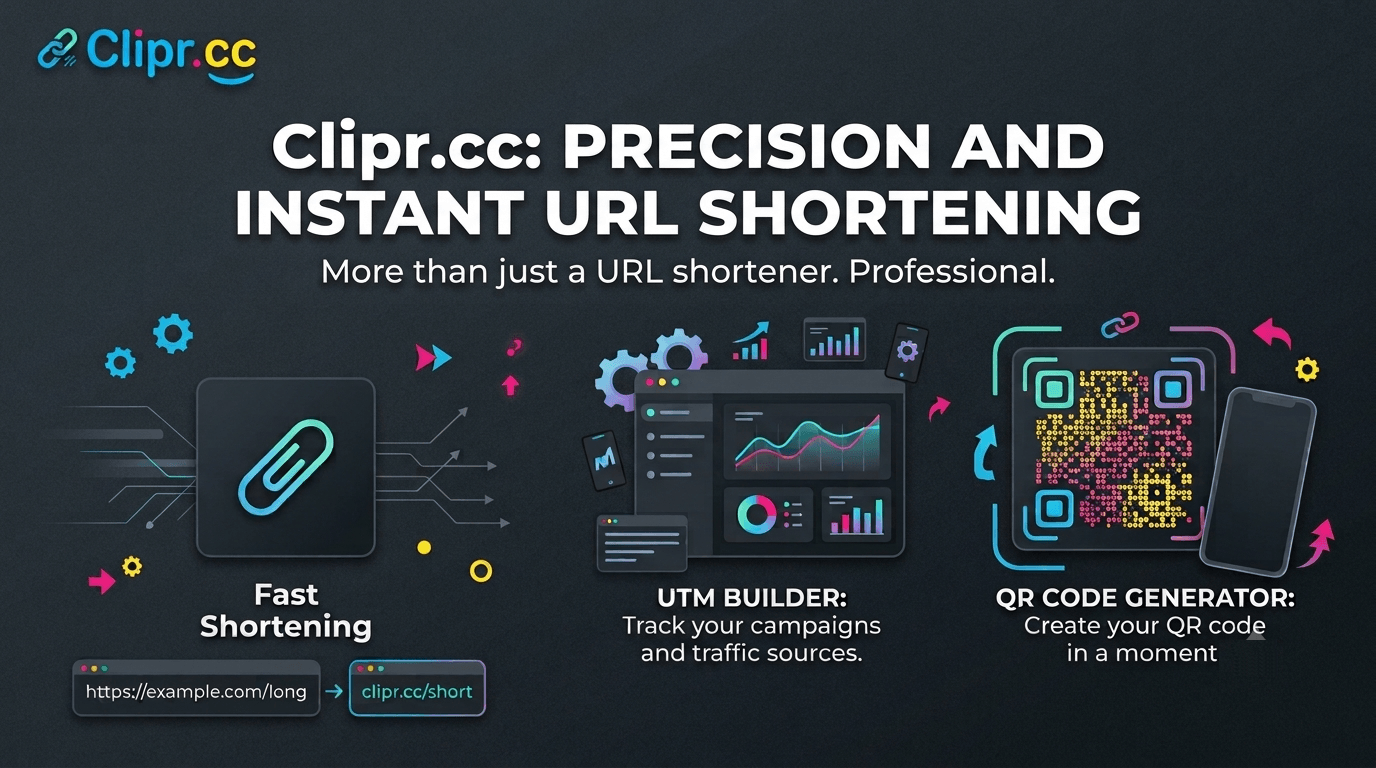
Our advantages
Reviews
What our users say about the Clipr.cc URL shortener
Functional and fast. Custom domain would be ideal.
Good product. Extra features would be great.
The simplicity is its greatest strength.
Best free URL shortener I've come across.
The speed alone makes Clipr my top pick.
Decent tool. Could use a dark mode option.
Simple tool that does exactly what it says.
Outstanding uptime. My links always load fast.
This is what minimalism in software looks like.
Reliable shortener. Bulk option would help.
Good for quick tasks. Does what it says.
Fast and clean. Exactly what a shortener should be.
Average experience. Nothing really stands out.
Works great most of the time. Minor hiccups.
Very good overall. Wish the charts had a weekly view, but the daily numbers already tell me a lot.
Decent for frequent use. Wish links had expiry.
Works but I'd love a URL history panel.
Our nonprofit uses it for donation links. Free and dependable, that matters to us.
Fast enough. Not feature-rich but dependable.
Works but I've seen better free options.
Share your impressions about our project. We want to be better.
Shorten a URL without creating an account
Paste a destination URL into the form, choose Shorten and copy your new link. No account or email confirmation is needed to create a link. Keep a copy of the result so you can share it or add it back to your history later.
Keep campaign parameters in one shareable link
Add your UTM tags before shortening. Clipr stores the destination URL with its parameters, so you can use the short version in messages, social posts and QR codes. For example, an address such as https://example.com/offer?utm_source=newsletter&utm_medium=email keeps those parameters when opened through its short link.
A short link makes a long address easier to share. It does not guarantee email delivery, a higher click rate or the safety of the destination website.
Find your links and click counts
After shortening, open your history on this page to copy a link or view its click count. Guest history belongs to your browser session. If you clear cookies or lose the session, use the tracking form to add a saved short link back to your history.
Click counts may take about an hour to update. They count visits to links; they are not a count of unique people or a complete campaign analytics report.
What to know before sharing
- Shortening is free. Request limits help protect the service from abuse.
- URLs are checked for validity and may contain up to 2,000 characters. HTTP, HTTPS, FTP and internationalized domain names are supported.
- The destination uses the protocol in the original URL. Check that the destination works before printing or sending a short link.
- Links that violate the service rules or pose a risk may be blocked. Report suspicious links through the report form.