


 Українська
 Deutsch
 Español
 Français
 Português
 Polski
 Italiano
 Türkçe
 Nederlands
 Bahasa Melayu
 Bahasa Indonesia
 Ελληνικά
 Lietuvių
 Magyar
 Čeština
 Kiswahili
 Filipino
 Svenska
 Tiếng Việt
 Язык
Язык

Check one link before you publish
Part 2 of 2. How to choose a service is in part 1. Here you test the statistics, the address, the lifetime, and the limits.
Create a separate test link to a known safe page. Write down the time, the device, and the result. That makes it easier to tell an error from a delayed update.
1. Find out what the statistics count
The word "clicks" can hide different figures:
- Visits — recorded openings of the short link.
- Unique visitors — an estimate under the service's rules. One person on different devices can be counted more than once.
- Automatic requests — requests from preview bots, mail scanners, and other programs.
The number of visits is not the number of people. A mismatch with the site's own statistics does not by itself prove an error: the systems may be counting different events.

A short test
- Write down the starting figure for the new test link.
- Send it to yourself in a chat, but do not open it. Wait for the preview and for the statistics to update. A rising counter can mean that an automatic request was counted.
- Open the short link several times. Log each visit, including a repeat in the same browser and an opening from another device.
- Wait for the update and compare the result with the description of the metric. Refreshing the destination page does not necessarily create a new request to the link shortener.
- Send an unclear difference to support: the time, the plan, the device, and the expected and actual figures.
For a newsletter, repeat the test in an email: first without a click, then with your own visit. A security scanner may open the address before the recipient does.
If the service does not state how often statistics update, record the delay in your own test. One measurement is not a guarantee for every visit.
2. Check the address after the redirect
The right page should open, with the right parameters. A matching domain is not enough.
- UTM tags, filters, and other meaningful parameters are kept.
- Cyrillic and special characters do not change the meaning of the address.
- The fragment after
#opens the right section, if the page supports it. - An address that is too long gets a clear error, instead of being cut off in silence.
- In a message and in an email, the whole short link is clickable.
Build the tags before you shorten: you can use UTM Builder. Then open the result and compare the parameters with the original address.
For complex URLs: what else to check
Separately check repeated parameters, an internationalized domain, the + character, and the encoded values %2B, %26, and %25. They can mean different things depending on the encoding.
The fragment after # is not sent to the server in the HTTP request — check it in the browser. A change in how the URL looks does not always mean that data was lost: encoding rules are described in the WHATWG URL Standard.
3. Read the lifetime terms
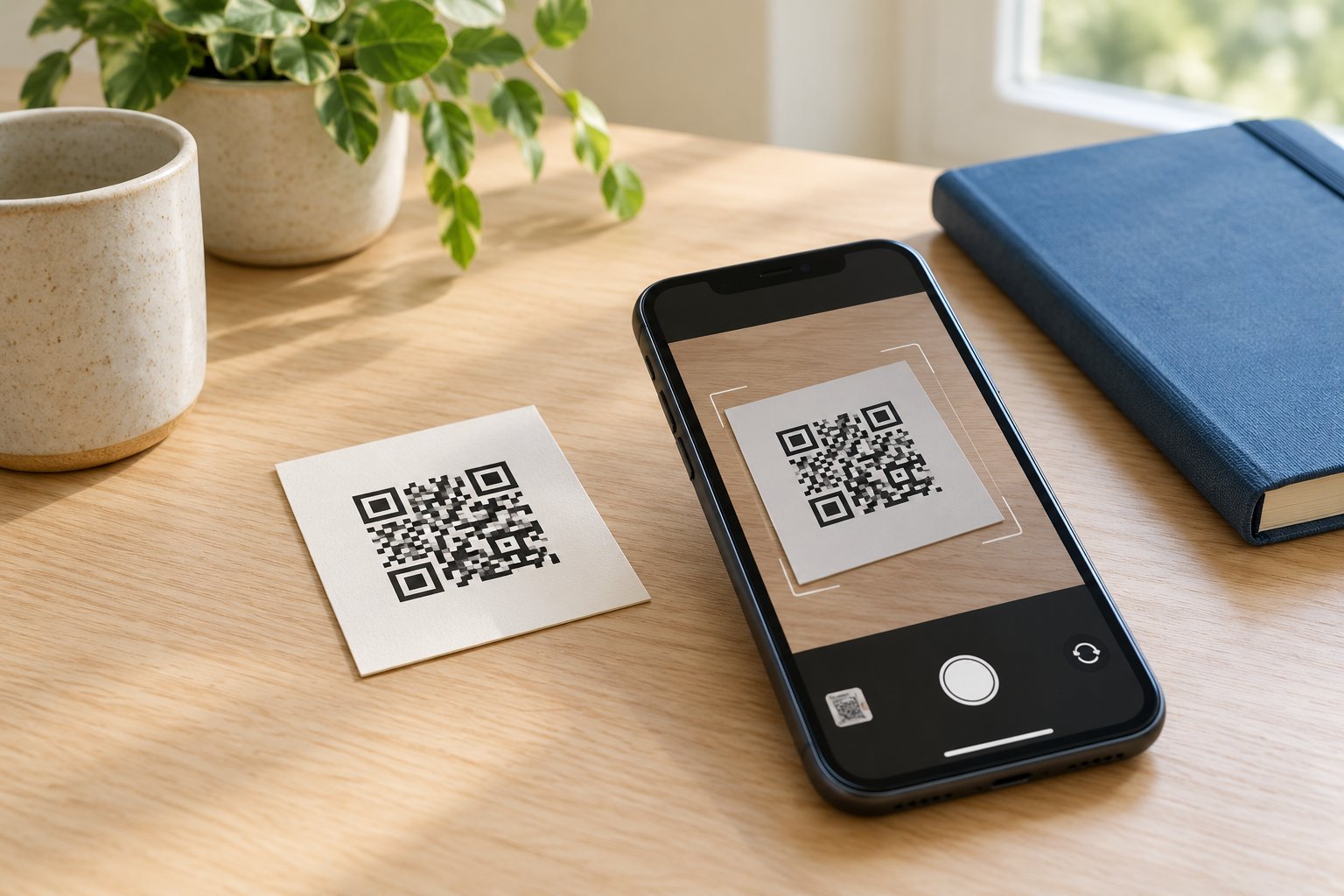
"No end date" does not mean "forever". Check:
- Are links deleted because of inactivity, or because the destination page returns errors?
- What happens after a trial, after a subscription is cancelled, or after the account is deleted?
- Can you change the destination without changing the short code?
- Can other users receive a code that was deleted?
- Who controls the domain and keeps renewing its registration?
On a flyer, the address can no longer be corrected. For print that should last, control of the domain and the ability to move the "short link → destination" mappings matter most. Your own domain and an export help only when the new service can recreate the same paths.
Before the print run, scan a proof. Check the page, whether the code is readable, and the whole path of the redirect.
4. Check ads, limits, and cost
Open the test link in a private window, on a phone, and in the app you need. Note any ads, timers, and extra buttons.
No ads in a single test does not guarantee that there will never be ads. Compare the result with the terms of the plan you chose.
- Volume: how many links and visits are allowed?
- Going over the limit: is there an extra charge, a limit on statistics, or do visits stop?
- Features: does this plan include the export, API, roles, and address changes you need?
- Blocking: what is prohibited, and how do you appeal a mistake?
- Leaving the service: what can you take with you, and which addresses will keep working?
Calculate the cost of your volume and of the features you need. The cheapest plan may not include them.
5. Assess the domain's reputation
Check the domain that appears in the short link you were given, and the specific test link to a safe page. Assess the destination site separately.
In a VirusTotal report, look at the analysis date and the sources of the warnings. The service collects ratings from independent vendors; false positives and outdated results are possible.
A clean report does not guarantee safety. A warning needs to be checked, not ignored automatically. For an important campaign, also test the link in the browsers and security tools your audience uses.
When Clipr is a fit
Clipr lets you shorten an address for free, without registration, and view visits in the history. It is an option for simple link sharing, if its limits match your task.
What to keep in mind
- The original address can be up to 2000 characters; creating links is rate-limited.
- Guest history is tied to the browser session. Save the short link separately: a link that is still valid can be added again through the tracking form.
- Statistics may update with a delay. Do not treat visits as unique people; bot filtering has limits.
- Parameters of the original URL are kept, but check the specific link with UTM, and the preview, before you share it.
Limits that matter for print
Under the Clipr terms of use:
- Links with no visits for 3 months may be deleted.
- Links to a page with persistent 4xx or 5xx errors for a month may be deleted.
- A deleted or blocked code may be used by other users. An old QR code may then lead to a different page.
- Dangerous addresses and other content listed in the rules are prohibited; violations may lead to blocking.
You can ask to change the destination through the contact form. That is a request to support, not a change you make yourself with a guaranteed completion time.
If you need team roles, your own domain, or an API, choose a service that clearly states support for those capabilities. For long-term print, allow for the risk that a code is deleted and then reused.
Checklist before publishing
If an important point is still unknown, clarify it before launch. To test Clipr, you can create a link on the home page and go through this list.